( click image to enlarge )
Project: PowerShell Automations
In the first half of 2020, I was responsible for executing a massive, organization-wide modernization initiative. The task: migrate from Novell ZENworks to Microsoft AD + SCCM for managing ~600 desktops. This project had several moving parts. I had to capture a list of all apps being used before the migration to ensure they were reinstalled after the migration, configure entirely new accounts for all students and staff, migrate all files and shares on our local file server to a newly built server, build robust group policies to sufficiently secure devices, configure printers and drivers on the print server, and more, all while supporting teachers and students transitioning to remote instruction during COVID.
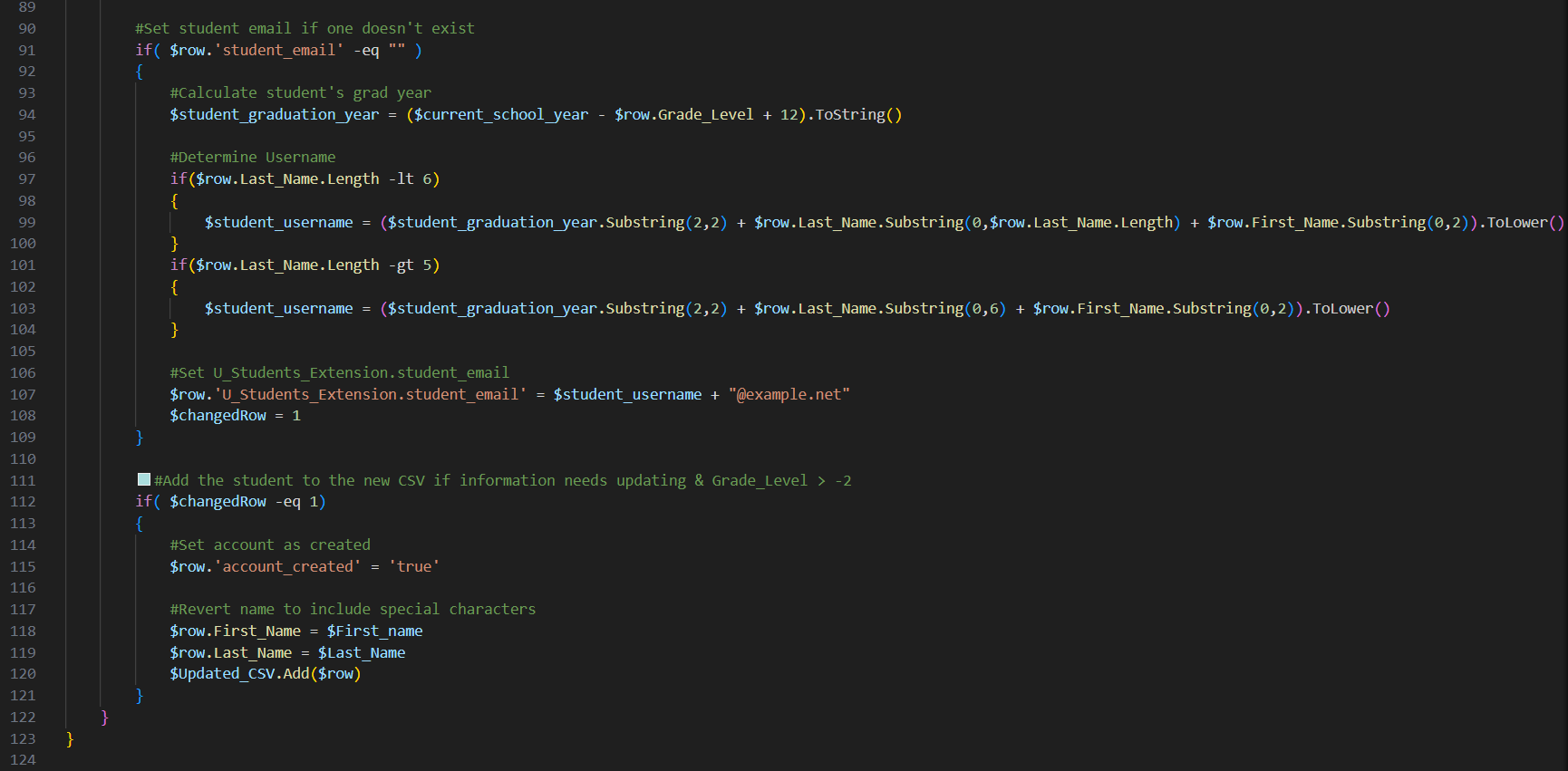
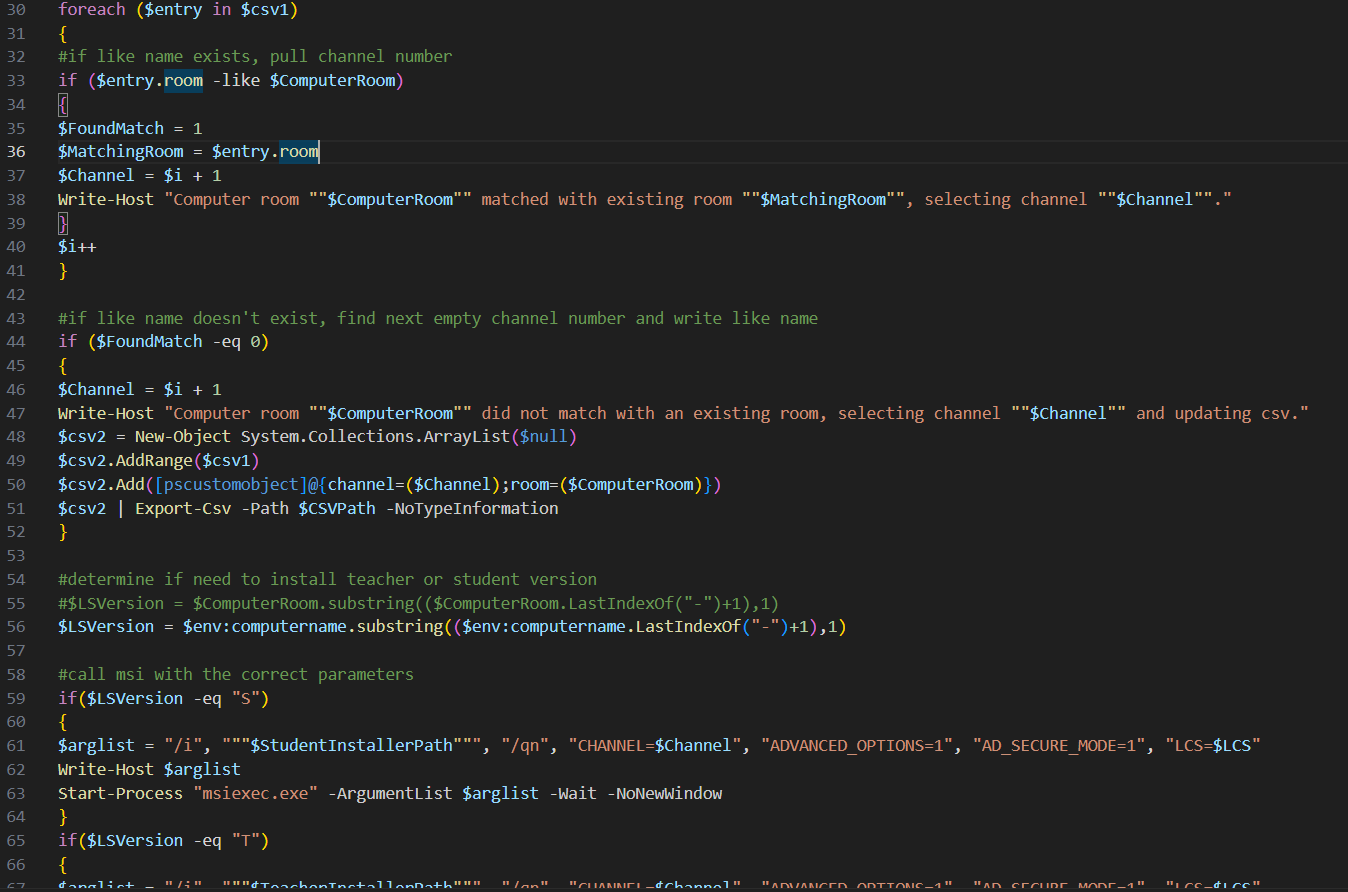
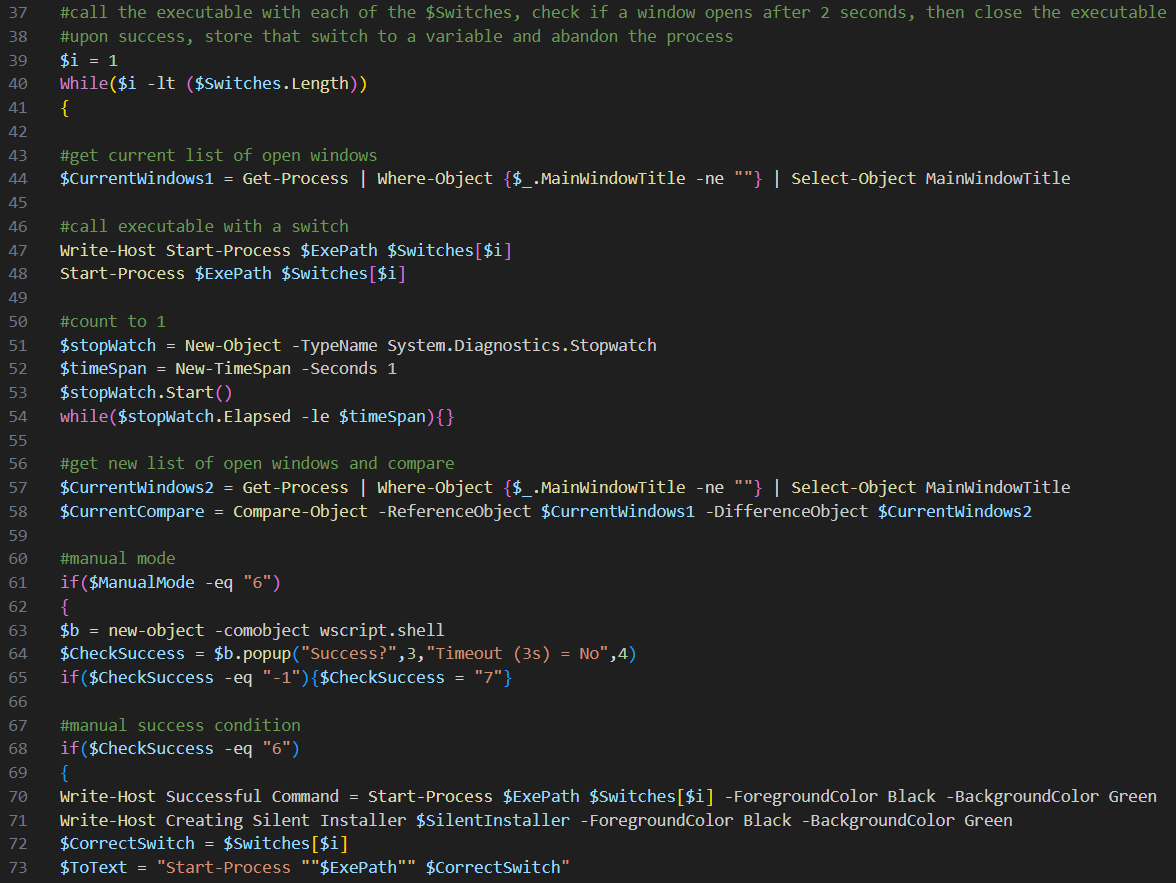
The key to my success for this project, and the continued ongoing success of our otherwise small IT department, was my unwavering determination to automate every process I could using PowerShell. From automating accounts creation, to automating endpoint and user grouping, to creating zero-touch installers for all apps, to creating utility scripts to pull and archive critical files that would’ve been lost when endpoints were wiped during the migration. I did as much as I could to eliminate all tasks requiring human intervention. I quickly found it amazing how much could be done with PowerShell by simply iterating through a CSV file and passing values to different commands.
PowerShell also continues to act as my silver bullet when I need to deal with some form of large scale endpoint service disruption. Say for instance Windows updates and now a specific peripheral doesn’t work for hundreds of devices in my fleet. What's the fix? I'll try using PowerShell to force install the latest hardware driver for that peripheral on an endpoint to see if that does the trick. If so, I'll use PowerShell to rapidly push that out to every impacted device. Another example. Let's say I have a software license file that is nearing expiration on hundreds of endpoints. How do I proceed? I'll download the new license on my file server and then create a PowerShell script to clone the file to each endpoint. No need to monotonously do things by hand one at a time. When possible, I let PowerShell do the lifting.
- James